
PDF tools are among the most popular utility websites because people frequently need to merge, compress, split, convert, and edit PDF files. If you want to build a website similar to iLovePDF without spending weeks on development, WordPress makes the process simple.
In this guide, I’ll show you how to create an iLovePDF-style website and how you can instantly launch it using my ready-made website backup.
Why Create a PDF Tools Website?
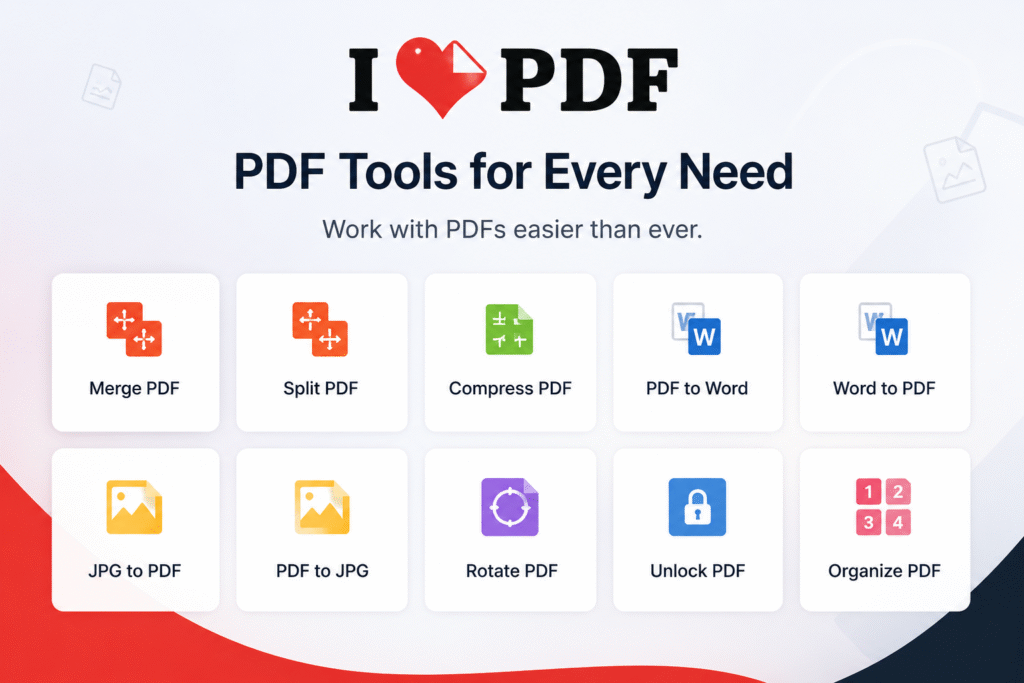
A PDF tools website can provide services such as:
- Merge PDF
- Split PDF
- Compress PDF
- PDF to Word
- Word to PDF
- JPG to PDF
- PDF to JPG
- Rotate PDF
- Organize PDF pages
These tools attract a large amount of organic traffic and can be monetized through Google AdSense, affiliate marketing, or premium subscriptions.
Step 1: Install WordPress
First, purchase hosting and a domain name. Install WordPress on your hosting account. Most hosting providers offer one-click WordPress installation.
Step 2: Import the Ready-Made Website Backup
Instead of designing everything from scratch, I have created a complete PDF tools website and exported the entire website backup.
Simply:
- Install a fresh WordPress website.
- Install the backup restore plugin.
- Upload the backup file.
- Click Restore.
- Wait for the restoration process to finish.
That’s it! Your PDF tools website will be ready automatically with all pages, settings, themes, and tools already configured.
Features Included in the Backup
✅ Professional design
✅ Responsive layout
✅ Multiple PDF tools
✅ SEO-friendly structure
✅ Fast loading
✅ AdSense-ready
✅ Easy customization
✅ No coding required
Customize Your Website
After restoring the backup, you can:
- Change the logo and website name.
- Add Google AdSense ads.
- Create additional pages.
- Customize colors and typography.
- Add more tools and features.
Who Is This For?
This ready-made backup is ideal for:
- Bloggers
- Beginners
- Affiliate marketers
- AdSense publishers
- Web developers
- Anyone looking to start a PDF utility website quickly
Download the Complete Website Backup
I am sharing the full backup of my PDF tools website. Simply download it and restore it on your own WordPress installation. Within a few minutes, your website will be live and ready to use.
No coding. No complicated setup. Just download, restore, and launch your own iLovePDF-style website.